
Learn how to pack computers, printers, servers, and office furniture for a damage-free move.
Moving an office takes coordination, planning, and expertise to keep your business running smoothly throughout the transition. After helping hundreds of Miami businesses relocate from Brickell high-rises to Doral warehouses, our team has seen what happens when office equipment gets packed incorrectly: cracked monitors, corrupted servers, and weeks of lost productivity.
High-value IT equipment, bulky furniture, sensitive electronics, and specialized machinery all require specific handling techniques. Here's what we've learned from years of commercial moves across Miami-Dade about packing your office equipment safely and efficiently.
Why Proper Packing Matters for Office Equipment
Office equipment represents a significant investment. Computers, servers, printers, and specialized machinery can cost thousands of dollars to replace. Beyond the financial impact, damaged equipment can delay your operations for days or weeks while you wait for repairs or replacements.

Proper packing protects your assets, preserves your data, and ensures you can resume normal operations quickly after the move. Taking shortcuts here often costs more in the long run than investing time in proper preparation.
Preparation: Building Your Packing Foundation
Before reaching for the first box, create a detailed inventory of all your equipment. Walk through each department and document:
- 1Make and model of each piece of equipment
- 2Serial numbers for warranty and insurance purposes
- 3Current condition with photos for documentation
- 4Special handling requirements for sensitive items
This inventory serves multiple purposes. It helps you determine what supplies you need, guides your packing priorities, and provides documentation for insurance claims if anything gets damaged during transit.
Essential Packing Supplies
Stock up on quality packing materials before you start. Trying to save money on supplies often leads to damaged equipment and higher replacement costs.
Boxes and Containers:
- 1Double-walled cardboard boxes for general items
- 2Original manufacturer boxes when available (best protection for electronics)
- 3Plastic bins for items that need moisture protection
Protective Materials:
- 1Bubble wrap (large and small bubble sizes)
- 2Anti-static packing materials for electronics
- 3Packing paper for wrapping and void fill
- 4Furniture blankets for large items
Securing and Labeling:
- 1Heavy-duty packing tape
- 2Stretch wrap for bundling items together
- 3Color-coded labels for department identification
- 4Permanent markers for detailed labeling
Packing Computers and IT Equipment
IT equipment requires the most careful attention during an office move. These items contain sensitive components that can be damaged by static electricity, impact, or improper handling.
Desktop Computers and Monitors
Before packing:
- 1Back up all data to cloud storage or external drives
- 2Photograph cable connections behind each computer
- 3Disconnect all cables and peripherals
- 4Remove any CDs or USB drives
Packing process:
- 1Wrap monitors in anti-static bubble wrap, paying extra attention to screens
- 2Use original boxes when available, or select boxes that fit snugly
- 3Fill any empty space with packing paper to prevent shifting
- 4Label boxes clearly with contents and which desk they came from
Servers and Network Equipment
For servers, consider hiring IT professionals to handle the shutdown, disconnection, and reconnection process. If you manage it yourself:
- 1Document the current configuration and connections with detailed photos
- 2Power down properly following manufacturer guidelines
- 3Use specialized server cases or heavy-duty padded boxes
- 4Transport in climate-controlled vehicles when possible
Packing Printers and Copiers
Large printers and copiers present unique challenges due to their size, weight, and internal components.
Preparation steps:
- 1Remove all ink and toner cartridges (pack these separately in sealed bags)
- 2Take out paper trays and pack them separately
- 3Secure any moving parts with tape or the manufacturer's shipping locks
- 4Close all doors and panels
Packing technique:
- 1Wrap the entire unit in furniture blankets
- 2Secure blankets with stretch wrap or tape
- 3For smaller printers, use original packaging or sturdy boxes with ample cushioning
- 4Always transport printers upright to prevent toner spills
Packing Phones and Communication Systems
Phone systems often get overlooked in office moves, but they require careful attention.
For standard desk phones:
- 1Disconnect handsets and wrap separately
- 2Coil cords neatly and secure with rubber bands or twist ties
- 3Label each phone with its extension number and desk location
For VoIP systems:
- 1Document network configurations before disconnecting
- 2Pack hardware in anti-static bags
- 3Keep servers and switches together for easier setup
Packing Office Furniture
Large furniture pieces need proper disassembly and protection to arrive at your new location without damage.
Desks and Tables
- 1Remove drawers and wrap them separately
- 2Disassemble legs and modular components when possible
- 3Keep all hardware (screws, bolts, allen keys) in labeled plastic bags taped to the furniture
- 4Wrap surfaces in furniture blankets to prevent scratches
Chairs
- 1Remove armrests, headrests, and bases when possible
- 2Wrap padding and fabric to protect from dirt and tears
- 3Stack carefully to save space in the moving truck
Filing Cabinets
- 1Empty all contents and pack papers in boxes
- 2Lock drawers or secure them with tape
- 3Wrap exterior surfaces to prevent scratches
Handling High-Value and Sensitive Items
Some office equipment requires extra precautions beyond standard packing techniques.

Artwork and decorative pieces:
- 1Use custom crating for valuable artwork
- 2Wrap frames in glassine paper before bubble wrap
- 3Transport flat artwork vertically, not horizontally
Confidential documents:
- 1Use lockable file boxes or small safes
- 2Consider keeping these items with you during the move
- 3Shred anything you no longer need before moving
Specialized equipment:
- 1Contact manufacturers for moving guidelines
- 2Consider professional crating services for medical, scientific, or industrial equipment
- 3Document calibration settings that may need adjustment after the move
Organization and Labeling System
A clear labeling system speeds up unpacking and helps prevent lost items.
Color coding by department:
- 1Assign each department a color
- 2Use colored tape or stickers on all boxes from that area
- 3Create a master list matching colors to departments
Detailed labeling:
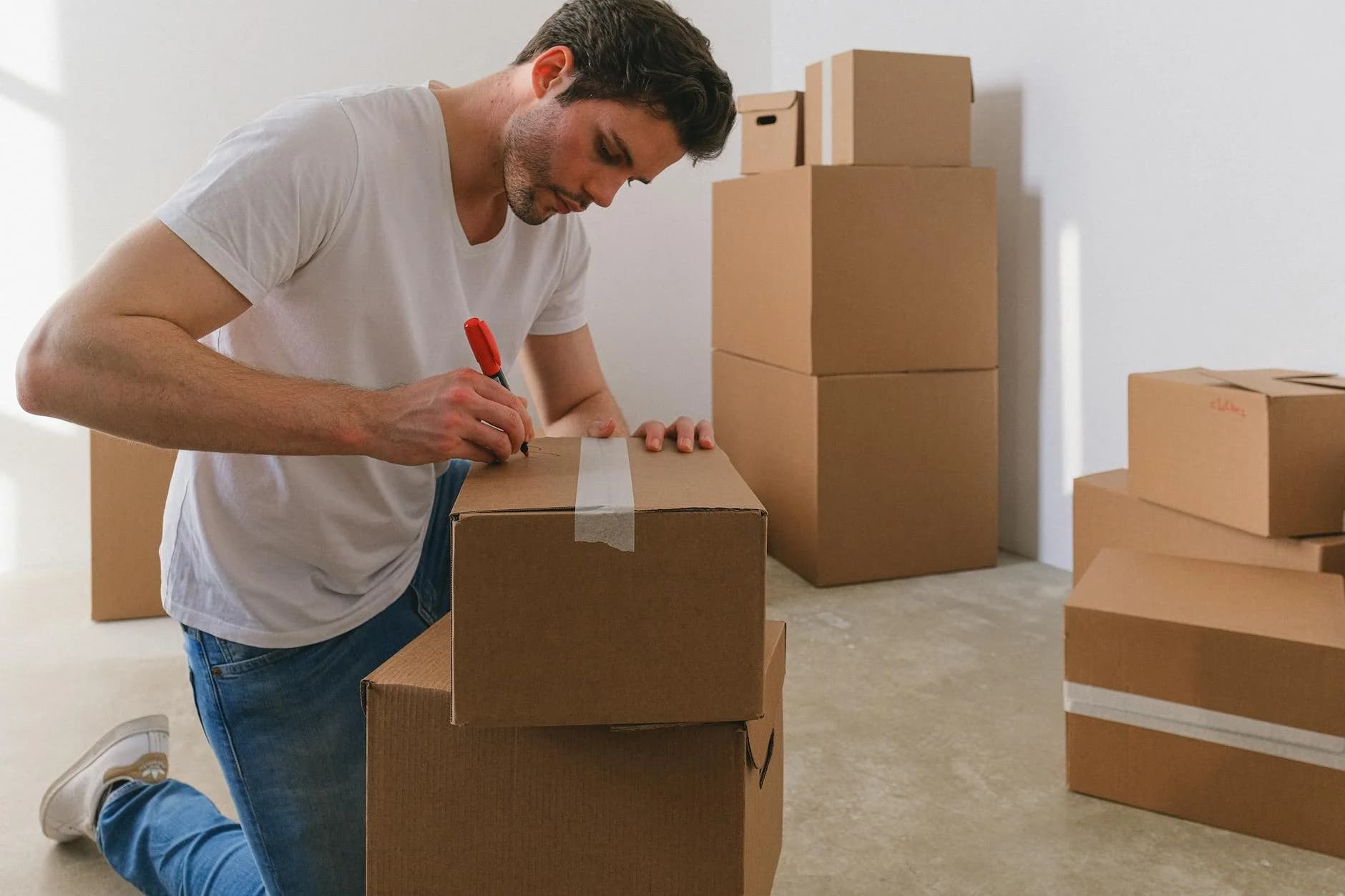
- 1Write contents on multiple sides of each box
- 2Include the destination room or desk number
- 3Mark fragile items clearly with "FRAGILE" and directional arrows
Inventory tracking:
- 1Number each box sequentially
- 2Create a spreadsheet listing box numbers and contents
- 3Check items off as they arrive at the new location
Benefits of Professional Office Packing
Working with experienced commercial movers provides several advantages:
- 1Expertise: Professional movers handle IT equipment, modular furniture, and specialized machinery regularly
- 2Equipment: Access to proper tools, crates, and climate-controlled trucks
- 3Insurance: Protection for your valuable office assets during the entire process
- 4Efficiency: Trained teams work faster without sacrificing quality
- 5Reduced risk: Lower chance of damage or injury compared to DIY packing
What to Expect from Rapid Panda Movers
When you hire us for packing services in Miami, you can expect:
- 1Free Consultation: We assess your equipment and provide a transparent quote
- 2Professional Crew: Uniformed, trained packing specialists experienced with office equipment
- 3Quality Materials: Commercial-grade packing supplies included in our service
- 4Careful Handling: Every item treated with appropriate care and protection
- 5Organized Process: Clear labeling and documentation throughout
Frequently Asked Questions
How much does professional office packing cost?
Professional packing services typically range from $50 to $75 per hour per packer. A small office (10-15 workstations) usually takes 4-8 hours to pack. We provide free estimates based on your specific inventory.
Should I pack my own equipment or hire professionals?
For standard items like supplies and files, self-packing works fine with proper materials. For expensive IT equipment, servers, and specialized machinery, professional packing reduces risk and often costs less than potential repairs or replacements.
How far in advance should I start packing?
Begin planning 4-6 weeks before your move date. Start packing non-essential items 2 weeks out. Pack essential equipment the day before or the morning of your move to minimize downtime.
What items should I not pack myself?
Leave servers, medical equipment, large copiers, and any equipment under warranty to professionals. Check warranty terms, as some manufacturers require professional handling to maintain coverage.
Related Services
Depending on your needs, you might also consider:
- 1Office Moving - Complete commercial relocation services
- 2Commercial Moving - Full-service business moving solutions
- 3Local Moving - Same-day moves within Miami-Dade
Ready to Pack Your Office?
Proper packing sets the foundation for a successful office move. Whether you handle it yourself or bring in professionals, taking time to pack correctly protects your investment and gets your team back to work faster.
Request your free quote today. Our team specializes in packing office equipment for Miami businesses of all sizes.
Questions about your upcoming move? Contact us or read our reviews to see why Miami companies trust Rapid Panda Movers with their commercial relocations.